

Learning why I wasn’t correctly tightening the jack on my guitar. (Note: that isn’t my guitar.)
Video, audio, patch notes
Learning why I wasn’t correctly tightening the jack on my guitar. (Note: that isn’t my guitar.)
This recording was made in my backyard while I was deep asleep. At precisely 1am on June 22, 2023, the device, called the AudioMoth, turned on and at precisely 6am it turned off. In between those start and stop points, the AudioMoth recorded 55 seconds followed by a pause of 5 seconds, and then it repeated the process. This automated scenario filled, over the course of the night, the AudioMoth’s tiny, removable SD card with 301 files: one for each of the recordings (that’s 5 hours times 60 instances of 55-second audio snapshots), plus a single text file listing details of the session. The text file noted the device’s settings, which are configurable via my laptop thanks to a free piece of software. There’s also a free piece of software to set the AudioMoth’s internal clock, and another one to upload the firmware that runs the device. And there’s a free phone app (for iOS and Android) that serves one purpose: it plays a chime that syncs the AudioMoth’s clock. Which is to say, the device’s microphone isn’t just listening to record; it is listening for instructions.
For the June 22 session, my device’s maiden voyage (to the extent that being affixed to an umbrella pole in an urban backyard can be termed a voyage), it just used all the default settings. For the June 23 session, I made one change: I enabled the AudioMoth to automatically place each individual day’s recordings into a separate folder. Nothing has quite made me excited to get up in the morning like my AudioMoth recorder. I find myself unable to wait to go outside to retrieve it and hear what wonders it has recorded: birds, insects, passing critters, automobiles, planes — and all the better, the orchestrated combination thereof. I’m going to try to hold off until Monday (three mornings from today), now that the auto-foldering of daily recordings will save me a lot of data housekeeping.
Dealing with all those files was one of two concerns I had after I started using AudioMoth. The other was knowing how the alkaline batteries were holding up. It turns out that when you switch the thing off, one of its two lights blink. If there are 4 blinks, the batteries are full — then it goes 3 blinks, 2 blinks, or 1 blink as the batteries drain. The fifth alert (lowest in terms of battery strength, highest in terms of expressed urgency) is 10 rapid blinks, so you can’t miss it. This solution is so simple, so clear. It exemplifies the efficient brand of ingenuity embodied by the AudioMoth.
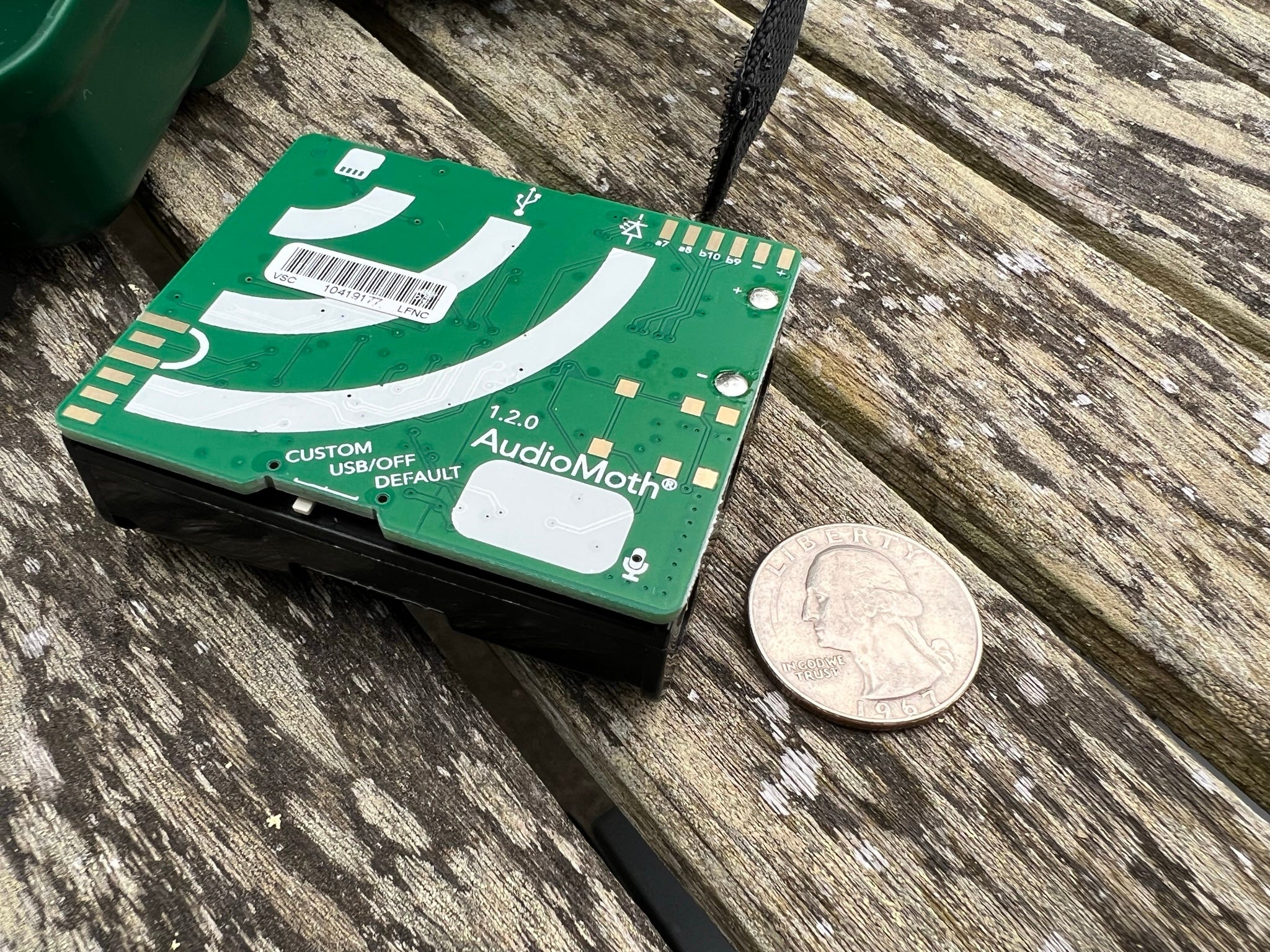
The one I purchased is part of a growing family of devices designed to enable acoustic ecologists and other audio practitioners to make audio recordings remotely. There is also a smaller version called the μMoth, a water-safe one called the HydroMoth, and something called AudioMoth Dev, which was designed with software and hardware developers in mind. The AudioMoth itself is little more than a naked printed circuit board, most of its size given over to the three AA batteries that provide power.
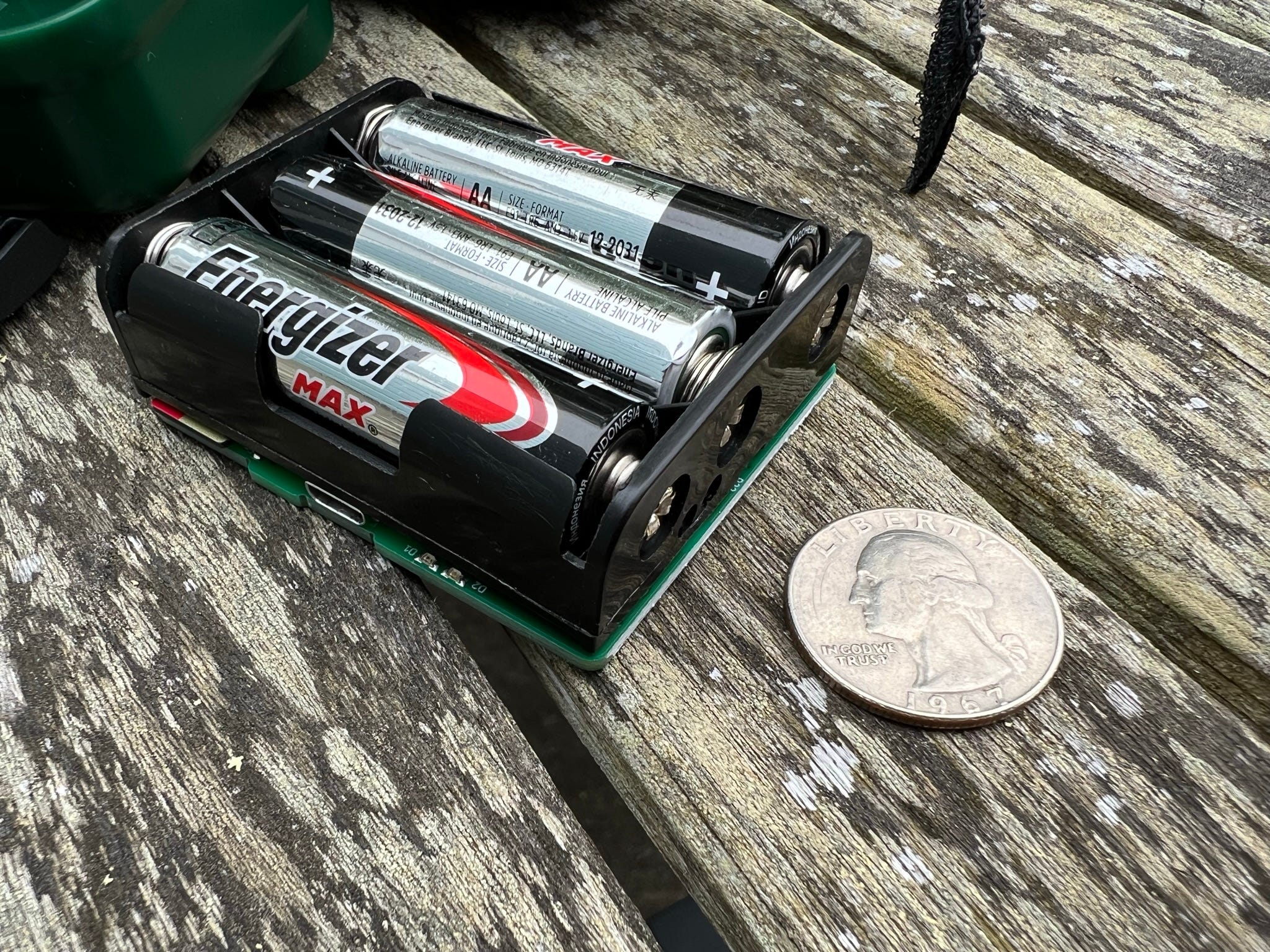
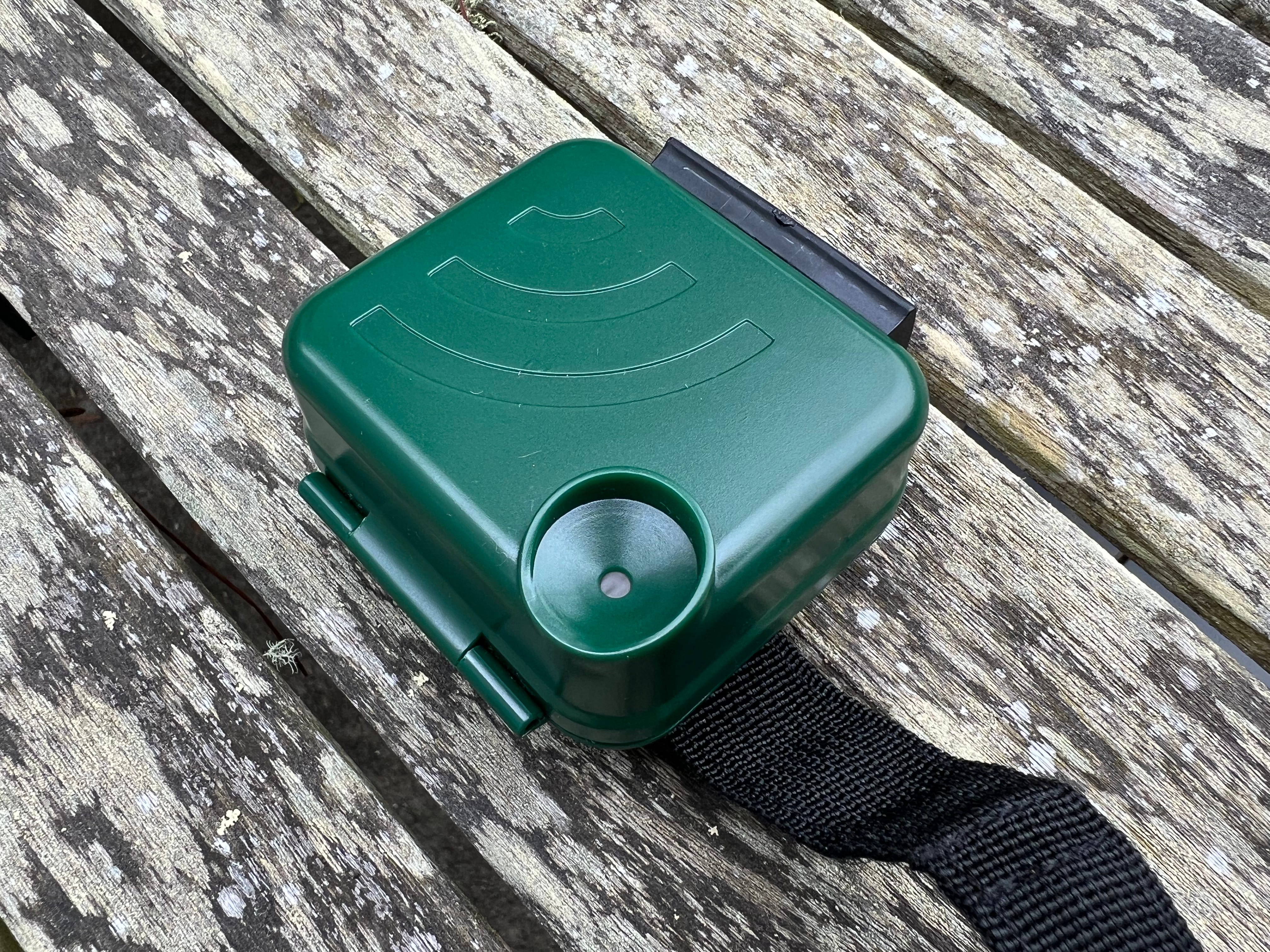
There’s also a small green plastic capsule available, complete with a velcro strap. For the June 22 session, I attached the thing to a table umbrella pole in the backyard. For June 23, I attached it to a chair, hoping to cut down on the wind. For the next three days, it’s attached to one of three stakes keeping a sapling erect. My next steps involve learning more about the device’s settings, in particular using built-in filters to limit noise, and about how to manage all these files — what are the best practices for identifying key moments when you’re faced with multiple hours of what many would simply call silence?
I receive a lot of voicemail messages from people I don’t know even though I’ve had this phone number for over 20 years. Today I got several in quick succession that had especially interesting sonic qualities, notably what seemed to be music playing in the background of the (garbled) individual doing the speaking. This is the full audio of one of those messages.

Weekend plans with Wildfire Laboratories (wildfirelaboratories.com). And if someone has a used Lucy Says No (same manufacturer) module up for grabs, please let me know. Thanks. I’d appreciate it.

This weekend I surprised myself by sorting out a solution to a technical problem I’ve been bothered by. There’s a small piece of music equipment called the M8, which is the sole product made by a small company called Dirtywave (dirtywave.com), based in Los Angeles. The M8 is a “tracker,” a term for a manner of sequencing music. Working in a tracker looks sort of like composing in a spreadsheet, which may sound unappealing, but if you’ve gotten good at working in a spreadsheet then you know how just how powerful muscle memory can be, much as is the case with “traditional” instruments. (I put the word “traditional” in quotes because trackers have been around since the late 1980s, over 30 years. I’m not sure when something becomes “traditional,” but trackers are by no means new.) I used to play with a tracker on my various Palm Pilots back in the day, but hadn’t used one in a long time, even as they’ve recently experienced something of a resurgence in popularity.
What appealed to me about the M8 (versus the Tracker from Polyend, or the software Renoise that could run on my laptop) was its portability. As shown in the photo, it’s not much larger than a phone. In addition, the keyboard has been reduced to a literal handful. The software, which Dirtywave has updated regularly, is quite powerful. And as has become essentially required of new music equipment, there is a great online forum where users discuss the M8, and share tips and examples of their work.
Two things, however, have bugged me about the M8: one hardware, one software. The software matter is that, far as I can tell, it can’t process live sound. I can record music into the M8 and process it, but I can’t process music live. Perhaps that will change with future upgrades. (It also may not solely be a software issue.)
The hardware issue involves recording: for all its inputs and outputs, the M8 doesn’t have a built-in microphone. And for it to use an external microphone, the mic has to be powered (that is, at “line level,” rather than “mic level”). So, not only do I have to use an external microphone to record audio as samples, that mic must be powered. I wanted a portable mic, and I couldn’t find a powered, line-level mic that would fit in the M8’s case. Part of the beauty of the M8 is its portability. A large mic reduces portability.
And now I’ve sorted out a good solution to the “easily portable microphone for the M8” matter: By using a simple mic app and a Lightning-to-audio dongle, I can turn my phone into a mic and plug it directly into the M8. When I first tried to do this, the feedback was alarming. The key thing is to turn the speaker in the microphone app to zero. That nixes the feedback. I can also just record to the phone and play back into the M8 this way. It works really well (I have an iPhone, but it would work with Android, too). And yeah, I’ll likely use feedback on purpose down the road. (The reason the cable in the photo is so long is that I briefly experimented, earlier in this process, with putting my phone really far from the M8 to avoid feedback, before I realized I could fix things by turning off the app’s speaker function.)
Technically, I haven’t found a microphone that fits in the M8 case, my original goal, but since I’ve always got my phone with me anyhow, this is a totally acceptable solution — and better yet, I didn’t need to make any additional purchases, aside from the microphone app, which cost just a couple bucks.